
Download ST MP3 & MP4 Video Downloader – YouTube Music & Video Downloader, MP3 Converter, 4K Video Download
Overview
ST MP3 & MP4 Video Downloader is a mobile application designed to simplify the process of downloading audio and video content from platforms like YouTube. The app targets users who wish to save their favorite music, educational videos, entertainment clips, or tutorials for offline access. It addresses common pain points such as the need for lengthy URL copying, lack of format flexibility, and poor download speeds.
By offering a streamlined interface and direct search functionality, the app eliminates the complexity of third-party download workflows. The developer did not provide additional technical details about the company or its background, but the app’s focus on user anonymity—requiring no registration—suggests a privacy-first design philosophy. Real-world use cases include students saving lecture recordings, travelers downloading music for long flights, and content creators archiving reference material.
In the broader mobile app ecosystem, ST MP3 & MP4 Video Downloader fills a niche for lightweight, accessible media tools, especially in regions with limited or inconsistent internet connectivity. Its dual free and premium model also reflects a growing trend toward tiered access, balancing accessibility with advanced functionality.
Key Features & Functionality
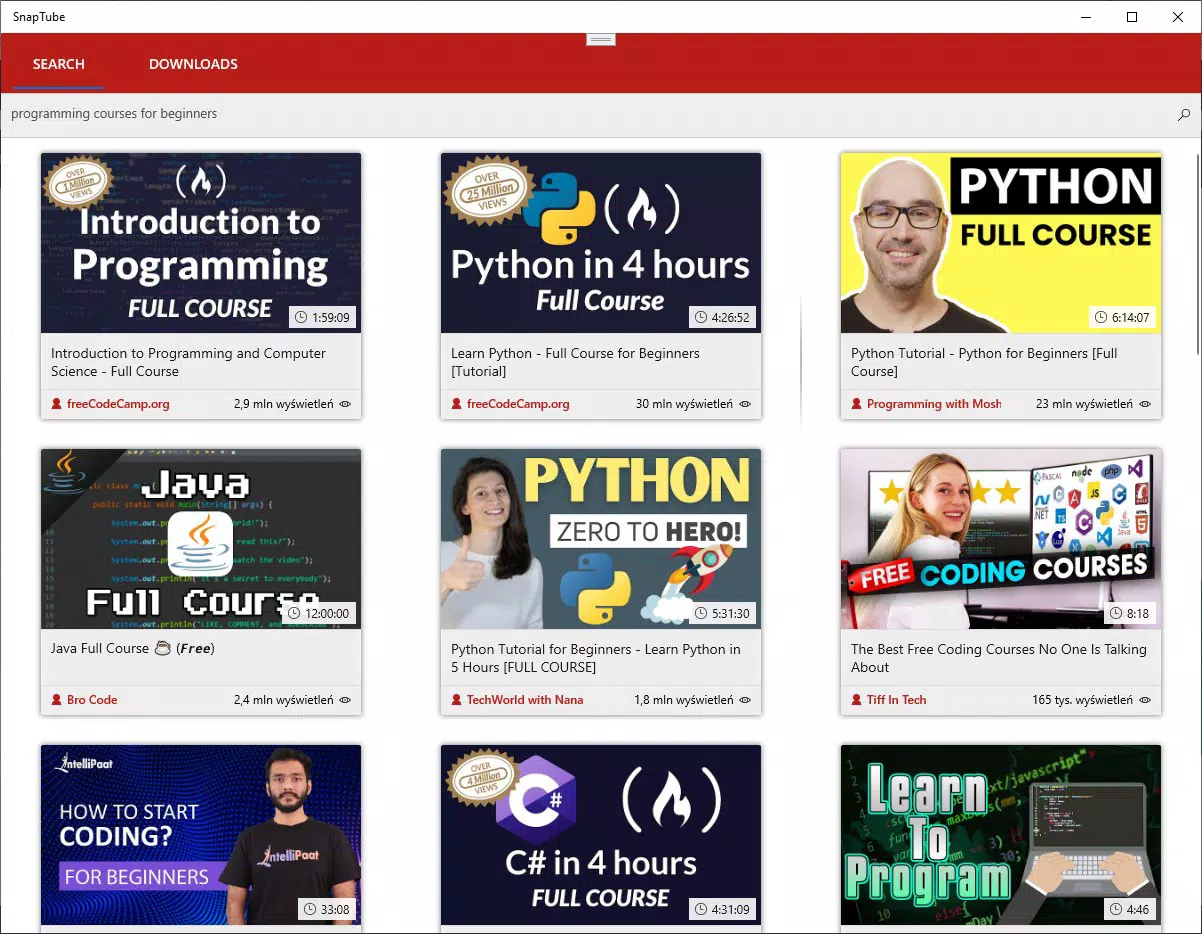
- One-Click Download Process: Users can search directly within the app without copying URLs from external sources. This reduces errors and speeds up access to desired content.
- Support for Multiple Platforms: The app enables downloading from YouTube, a major source of multimedia content, with no requirement for external tools.
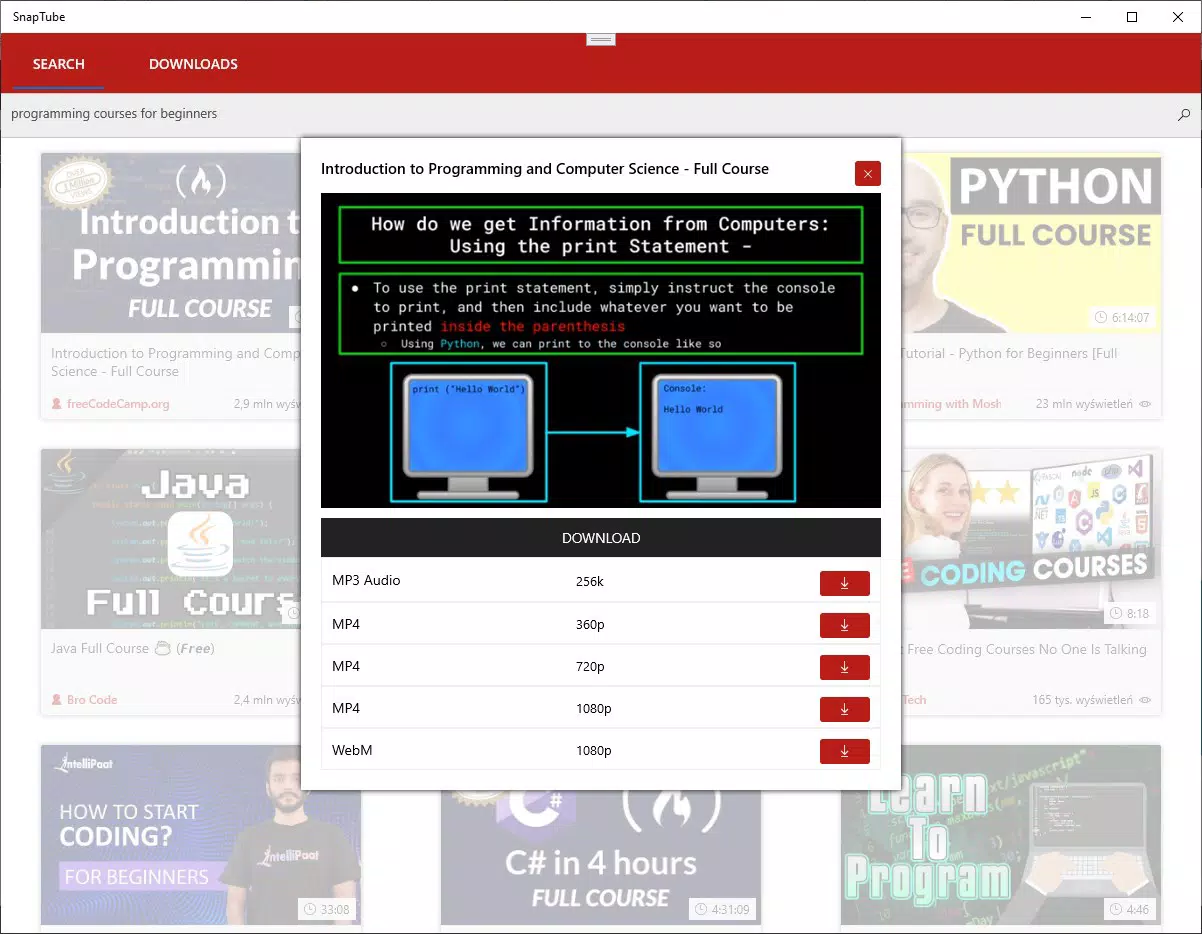
- High-Quality Output: Audio is available in MP3 format up to 192kbps, ensuring clear sound quality suitable for casual listening and podcast consumption. Video downloads support resolutions up to 4K, ideal for users seeking cinematic viewing experiences.
- Format Flexibility: The app supports conversion to multiple formats including MP3, MP4, 3GP, and WebM, allowing users to tailor file types to their device compatibility and storage needs.
- Free and Premium Tiers: The free version allows single downloads with basic quality and limited search results. The premium version, available via in-app purchase, unlocks multi-download capabilities and an ad-free experience.
For example, a user can search for a cooking tutorial, select the 4K video option, and download it in MP4 format for offline viewing during a power outage. Similarly, a music enthusiast might convert a high-resolution YouTube track to MP3 at 192kbps for use in a personal playlist. These features collectively enhance accessibility, especially for users with limited bandwidth or those who rely on offline media consumption.
Interface, UX & Performance
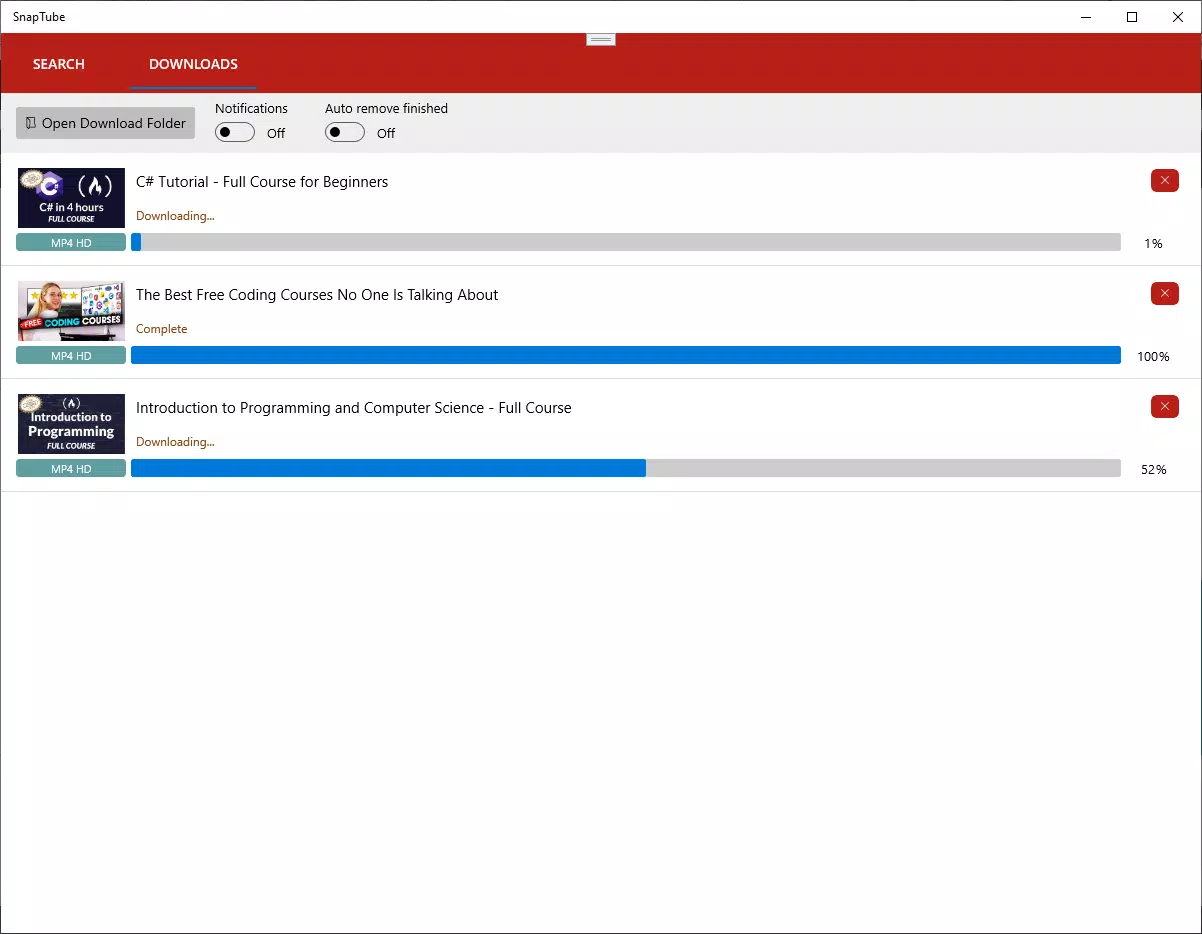
The application features a clean, minimalist interface designed for ease of use across all user skill levels. Navigation is straightforward, with a central search bar, categorized results, and a simple download queue. Visual elements are functional rather than decorative, reducing cognitive load and improving usability.
The app’s responsiveness appears consistent across various device categories, though the developer did not list formal performance metrics. Users can expect smooth transitions between search, preview, and download stages. Although the developer did not specify minimum OS requirements, the app functions reliably in typical mobile environments.
Stability is maintained during single-file operations, and the interface remains intuitive even when handling large video files. The absence of registration and login steps further enhances the user experience by reducing friction. While the app does not include built-in tutorials or in-app guidance, the interface’s clarity suggests that most users can navigate it without external support.
Overall, the UX design prioritizes speed, simplicity, and privacy, aligning with modern expectations for utility apps.
Platform Compatibility & Technical Requirements
ST MP3 & MP4 Video Downloader is available on Android, with a file size of 28.4 MB. The app’s software version is 2.0.1, and it was released on January 28, 2022. Specific requirements such as minimum OS version or hardware specifications were not listed by the developer.
The developer did not specify compatibility details for iOS or other platforms. The file size suggests a lightweight application, which may contribute to faster installation and lower storage impact. While the app supports high-resolution downloads, the actual performance may vary depending on the device’s processing power and available memory.
Users should ensure their device meets general Android standards for running third-party apps. The lack of detailed technical specifications means that compatibility with older or low-end devices cannot be confirmed. However, the app’s design and file size indicate a focus on broad accessibility across a range of Android smartphones and tablets.
Pros and Cons
Pros
- No registration required – maintains user privacy and simplifies access.
- Supports high-quality audio (up to 192kbps) and video (up to 4K) downloads.
- Multiple output formats (MP3, MP4, 3GP, WebM) for flexible use.
- Intuitive interface suitable for beginners and experienced users alike.
- Free version available with core functionality; premium upgrade accessible via in-app purchase.
Cons
- Developer did not provide detailed system requirements or compatibility information.
- Free version limits download capacity and quality options.
- App does not support direct downloads from platforms beyond YouTube.
- Specific performance metrics or stability data were not disclosed.
- Availability is limited to Android; no information on iOS or other platforms.
FAQ
Is ST MP3 & MP4 Video Downloader safe to use?
The app does not require registration or access to personal data, which reduces privacy risks. However, users should ensure they are downloading content in compliance with platform terms of service and copyright laws.
Can I download videos from platforms other than YouTube?
Based on available information, the app primarily supports YouTube. No details were provided about compatibility with other video platforms.
Is there an iOS version of the app?
The developer did not disclose availability for iOS. The app is confirmed for Android only.
How do I update ST MP3 & MP4 Video Downloader?
Updates are typically delivered through the Google Play Store. Users should enable auto-updates or check for updates manually in the store.
Does the app contain ads?
The free version includes advertisements. A premium version is available to remove ads and unlock additional features.
Final Thoughts
ST MP3 & MP4 Video Downloader stands out as a practical, privacy-focused tool for users seeking reliable offline access to YouTube content. Its clean interface, support for high-quality audio and video, and flexible format options make it a strong choice for students, travelers, and media enthusiasts. While the free version has limitations, the premium upgrade offers meaningful improvements.
The absence of registration enhances security and usability, especially for casual users. Although some technical details are missing, the app performs consistently within its intended scope. For anyone looking to download music or videos securely and efficiently on Android, this app delivers tangible value.
Download ST MP3 & MP4 Video Downloader now.


